Embed Link Preservation
When Firefox blocks a Twitter embed for privacy, users lose the content entirely. This patch preserves the text and links so they can still read the tweet.
Bug 1976290 | D273937 | Reviewers: manuel, webcompat-reviewers, twisniewski, freddyb (security)
The Problem
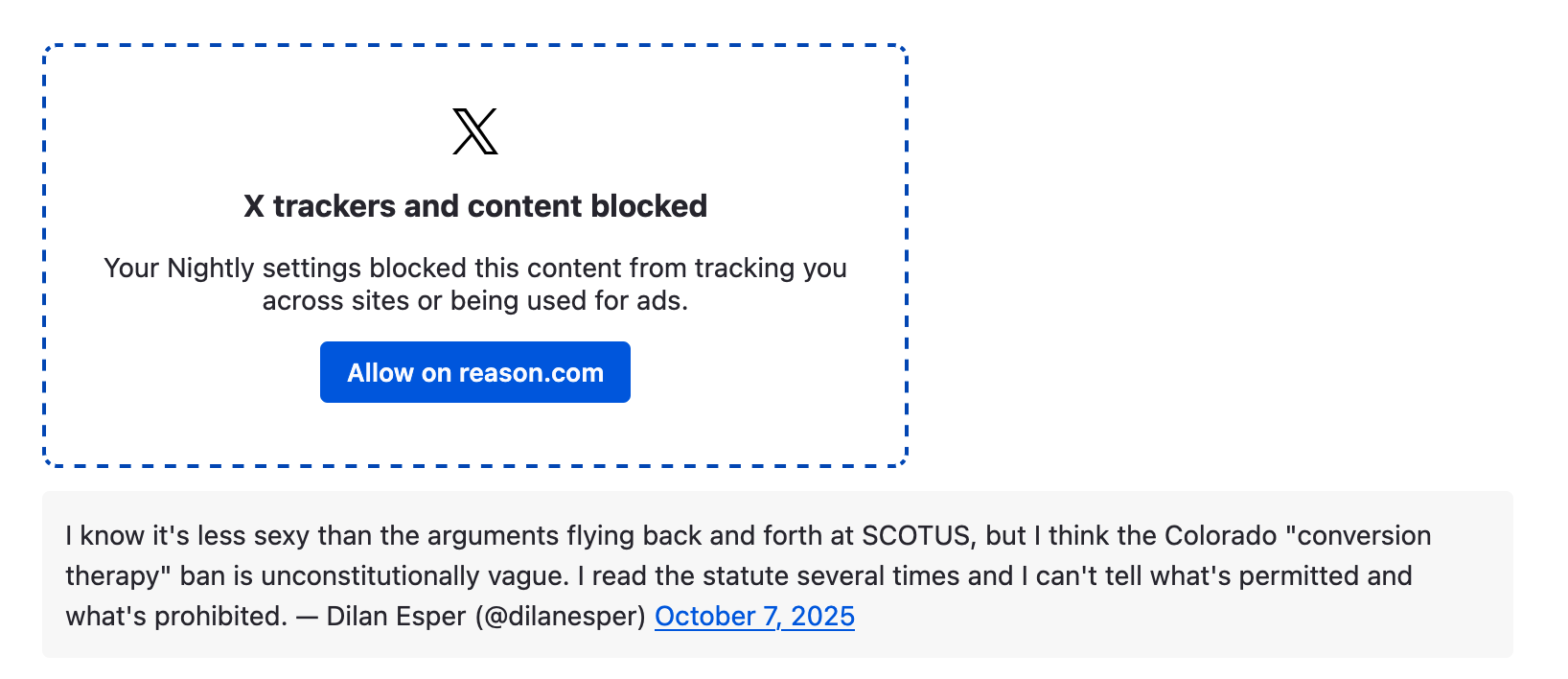
Firefox’s SmartBlock replaces blocked third-party embeds (Twitter/X, Instagram, etc.) with a placeholder that says “This content is blocked.” The placeholder has a button to unblock, but until you click it, you can’t see anything. For a tweet that’s just text and a link, that’s frustrating. The actual content is right there in the DOM (embedded as HTML attributes), it’s just not being shown.
Security Constraints
This is where it got interesting. The embed HTML comes from an untrusted third party. Naively injecting it into the page would be an XSS vulnerability. I needed three layers of defense.
Layer 1: Sanitizer API
The browser’s built-in Sanitizer API strips everything except the elements I explicitly allow:
const sanitizer = new Sanitizer({
  elements: [{ name: "a", attributes: ["href"] }, "br"],
  replaceWithChildrenElements: [
    "div", "span", "p", "b", "i", "em", "strong",
    "blockquote", "article", "section", "header",
    "footer", "aside", "nav", "ul", "ol", "li",
    // ... all default HTML elements listed explicitly
  ],
});
This configuration keeps only <a> tags (with href) and <br> tags. Everything else gets replaced by its text children. So <div class="evil" onclick="alert(1)">hello</div> becomes just hello.
Layer 2: URL Filtering
After sanitizing, I filter out any link that isn’t HTTPS:
contentDiv.querySelectorAll("a[href]").forEach(link => {
  try {
    const url = new URL(link.href, document.baseURI);
    if (url.protocol !== "https:") {
      link.removeAttribute("href");
    }
  } catch {
    link.removeAttribute("href");
  }
});
This prevents javascript:, data:, blob:, and any other non-HTTPS scheme from surviving sanitization.
Layer 3: Security Attributes
Every remaining link gets target="_blank" and rel="noopener noreferrer" to prevent the linked page from accessing the opener window.
The Security Review
This was my first patch that required a dedicated security review from freddyb (Mozilla’s web security lead). The initial version used manual DOM parsing. freddyb pushed me toward the Sanitizer API, which is both more secure and more maintainable. The explicit allowlist approach means new attack vectors from future HTML elements are blocked by default.
Implementation Details
The patch added 187 lines to smartblock_embeds_helper.js and 244 lines of browser tests. The tests cover:
- Basic text extraction from a blocked embed
- Link preservation and HTTPS filtering
- Handling embeds with no extractable content
- Dynamic embeds added after page load
Total: 7 files changed, +445 lines.
What I Learned
- Defense in depth is a real pattern, not a buzzword. Three independent layers of protection (sanitize HTML, filter URLs, add security attributes) means any single failure doesn’t create a vulnerability.
- Security reviewers make your code better. freddyb’s suggestion to use the Sanitizer API was a significant improvement. The initial implementation worked, but it was fragile. The Sanitizer API approach is both more secure and easier to reason about.
- The Sanitizer API is underused. It’s built into the browser and does exactly what you’d want for extracting content from untrusted HTML. I hadn’t encountered it before this patch.